Reference
Colour coding
Shelly colour-codes its devices. The housing colour tells you the function, the terminal colour tells you the generation.
Shelly doesn't paint the housings at random. The housing colour tells you what the device does, and the terminal colour tells you which generation it is. Once you know the code, you can read what's in the back box from a metre away.
Every colour below is stated in Shelly's own specification, in the "Shell color" and "Terminal color" fields on the product page.
Housing colour = function
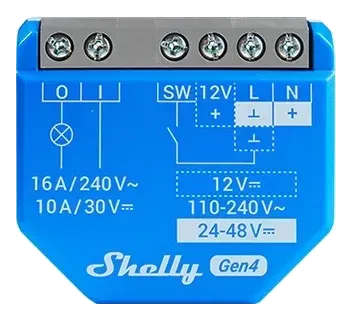
Relay, no metering (Shelly 1)
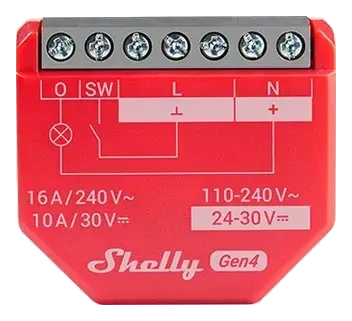
Relay with power metering (1PM)
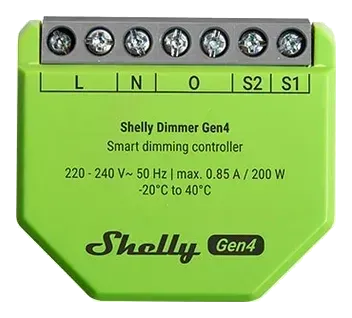
Dimmer
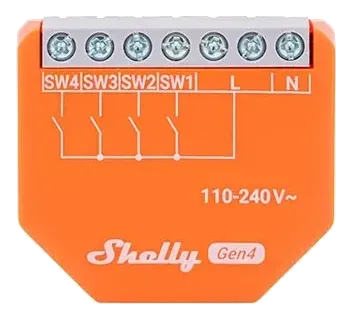
Inputs only (i4)
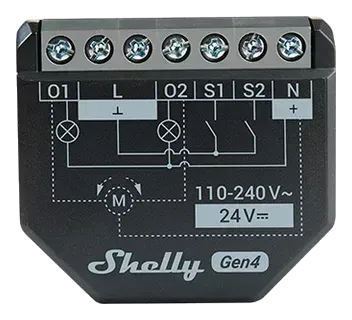
Two-channel relay with metering (2PM)
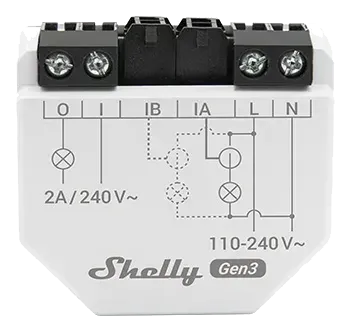
Pure energy meter (EM)
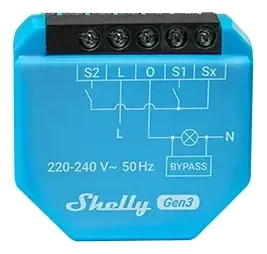
Relay without neutral (1L)
In short:
| Colour | Function | Example |
|---|---|---|
| Blue | Relay, dry contact, no metering | Shelly 1 |
| Cyan | Relay without neutral | Shelly 1L |
| Red | Relay with power metering | Shelly 1PM |
| Black | Two-channel relay with metering | Shelly 2PM |
| Green (lime) | Dimmer | Shelly Dimmer |
| Orange | Inputs only, no output | Shelly i4 |
| White | Pure energy meter | Shelly EM |
| Light grey | Power meter in mini format | Shelly PM Mini |
Cyan and blue are easy to confuse — Shelly 1 is blue, Shelly 1L (the no-neutral variant) is a slightly greener cyan. They do almost the same thing but wire up differently.
Terminal colour = generation
On the compact in-wall modules, the colour of the wiring terminals reveals the generation, and the pattern is without exception across every such device we checked:
| Terminal colour | Generation |
|---|---|
| Black | Gen3 |
| Grey (Shelly calls it "Mouse Grey") | Gen4 |
So a red module with grey terminals is a 1PM Gen4. A red module with black terminals is a 1PM Gen3. Housing colour plus terminal colour gives you the model without reading a thing.
The Pro range: terminal colour = terminal type
The Pro devices (DIN rail) are the exception. They use removable terminal blocks in different colours, but the colour marks the terminal type — the conductor size it takes — not the generation. Per Shelly's specification:
| Terminal colour | Takes conductor | Typically for |
|---|---|---|
| Green | 0.5–2.5 mm² | Supply and load (thicker conductors) |
| Blue | 0.5–1.5 mm² | Switch and signal inputs (thinner conductors) |
So a blue terminal on a Pro device doesn't mean any particular Gen — it's the signal terminal. Which colours sit where can vary between Pro models.
The generation colour (black Gen3, grey Gen4) applies to the compact in-wall modules. The Plus range (Gen2) and the BLU range follow different patterns — don't read their generation from the terminal colour. The Pro range colour-codes its terminals by conductor size, not generation (see above).
To look up a single device, the colour isn't in the device database yet, but the model and generation are — and the generation gives you the terminal colour.